 Pins & Playback
Relive the places
you’ve been.
Your routes, photographs, films and journal pages, gathered into a travel memory you can play back with music.

A journey, frame by frame.
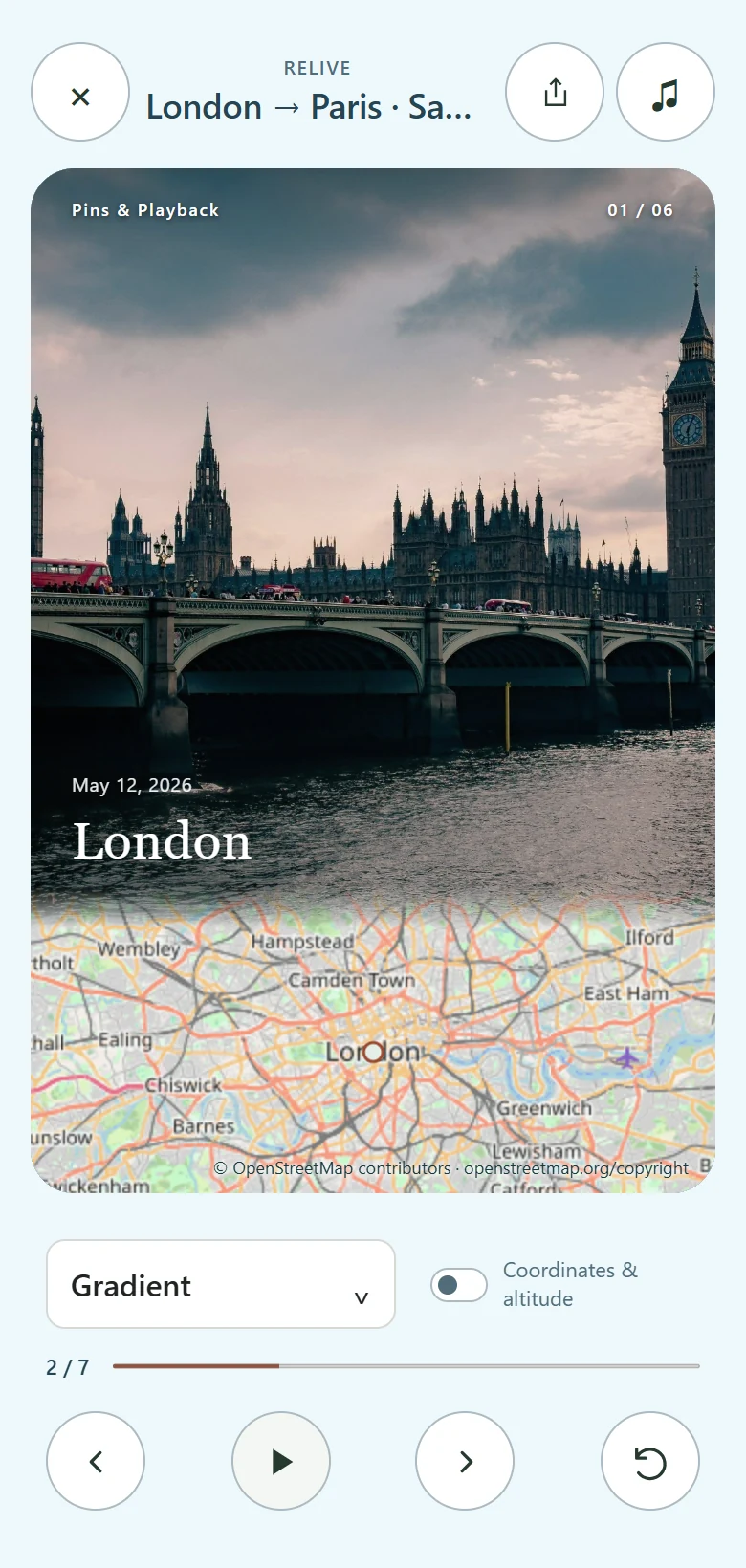
Follow the sample trip from London to Paris and Versailles, with its original instrumental, River Light. Postcard pairs a photograph with a map and diary notes. Gradient lets the photograph flow into the map.
Play the sample filmMap data © OpenStreetMap contributors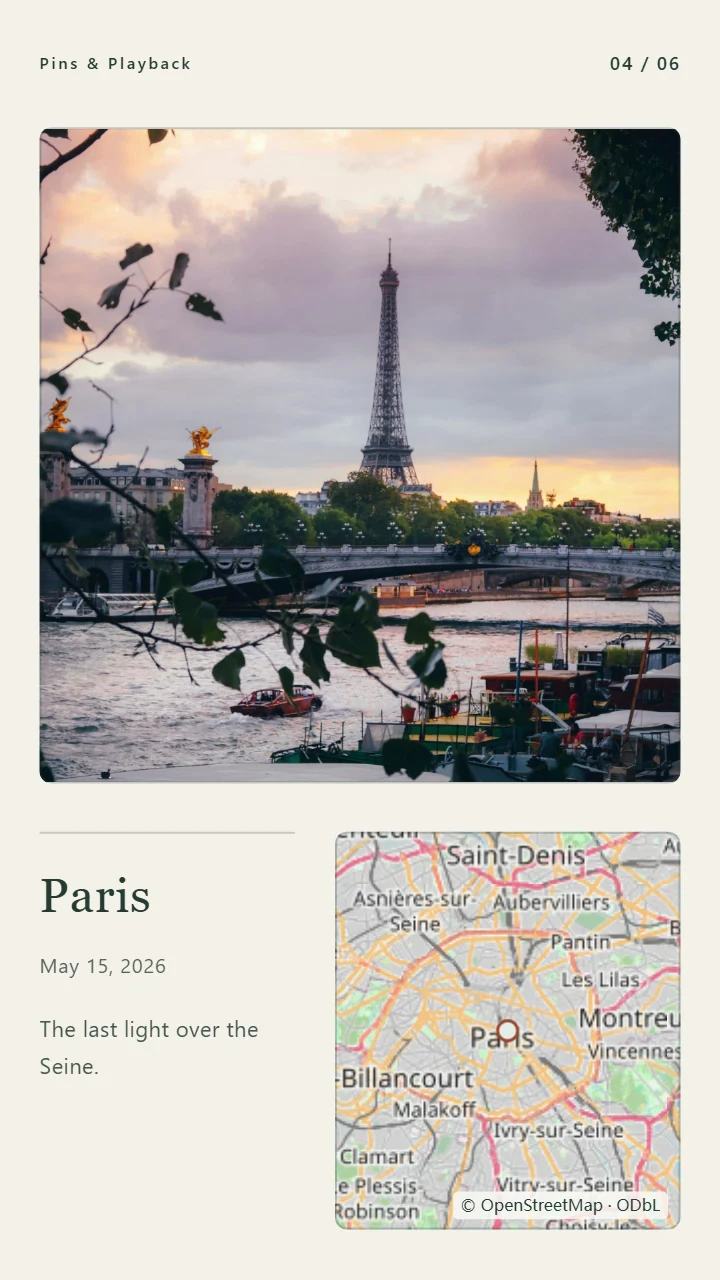
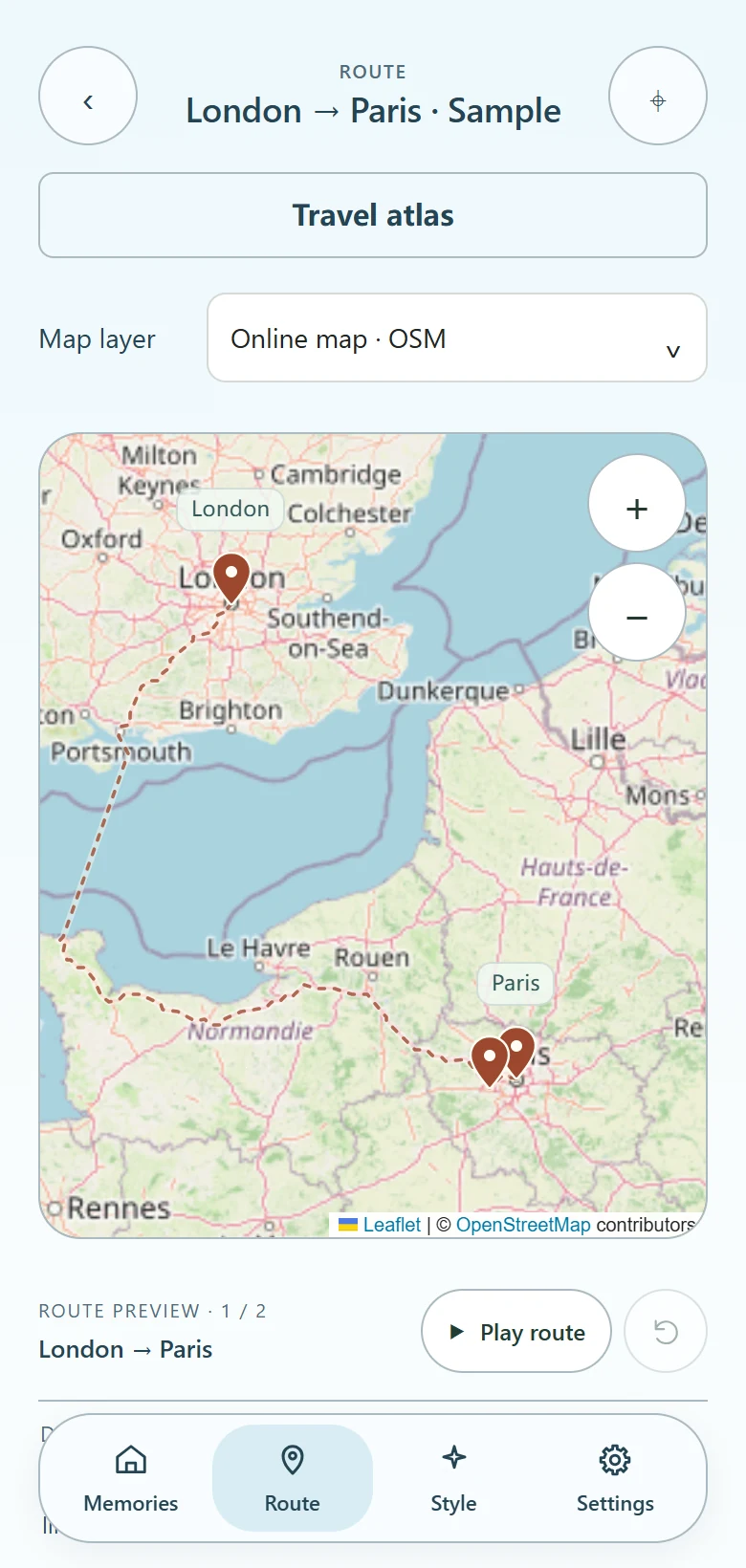
 Bus London → Paris
 Car Paris → Versailles
From a place to a memory.
- Trace your route
Add stops, dates and transport. Play the route between cities using calculated roads or schematic connections.
- Gather the memories
Add photos, video and journal pages. Capture dates or GPS metadata can help match files to stops. You can also place each one yourself.
- Set the mood
Pick a visual Style, frame a favourite photograph and add a local music file.
- Replay it. Keep it.
Watch your trip in RELIVE. Save a portrait video on supported browsers, and export a full backup to keep the editable trip.
A different mood for every trip.
Explore the city Styles on a sample footprint map. Each brings its own typography, palette and paper treatment to the places you remember.

Before you begin.
Is Pins & Playback free?
Yes. The app is free, with no account, subscription or limit on the number of personal trips.
How do I install it?
Open the app in Safari on iPhone or iPad, tap Share, then Add to Home Screen. On Android, look for Install app or Add to Home screen in Chrome. On desktop, open it in a modern browser.
What works offline?
Once the app has cached its files, you can reopen saved trips and view local memories. Online map tiles and new road calculations need a connection.
Can I export music with a replay?
Use a local soundtrack you have permission to share. Apple Music subscription tracks cannot be included. Export support depends on your browser and device.
Will trips follow me to another device?
Export a full backup in Settings, save the file outside the browser, then import it on the other device. Clearing site data can erase your local trips and media.
Keep a copy.
Your trips live in this browser. Clearing site data can erase them. Save a full backup outside the browser so your original photos, notes and routes can travel with you.